VelonLabs

Skip to content

Explore VelonLabs

Quick links

↑↓ Navigate↵ Open
VelonLabs / Products

ONE ECOSYSTEM. YOUR WORKFLOW.

The right tools.
For your FiveM project.

Code, assets and server operations require different tools. See which platform supports each step and how the products can work together.

VelonLabs.dev

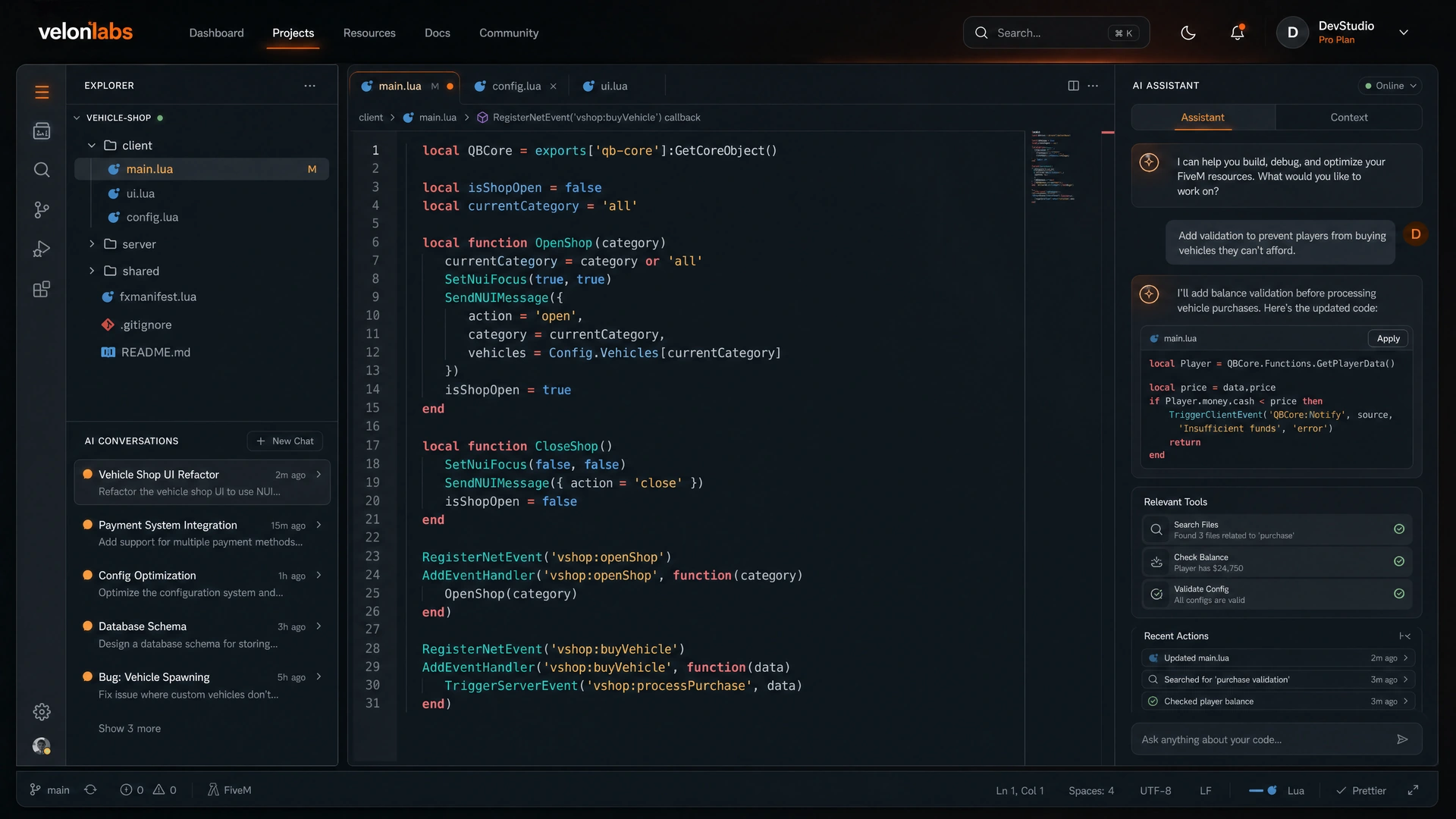
Develop and understand code

For Lua scripts, configuration files and NUI interfaces. Describe a feature, upload existing code or work through a larger task with Agent Mode. Review changes and test the resource on a test server.

A good fit when …

You want to create a feature, investigate a bug or improve existing code.

VelonLabs.dev overview ↗
VelonLabs.app

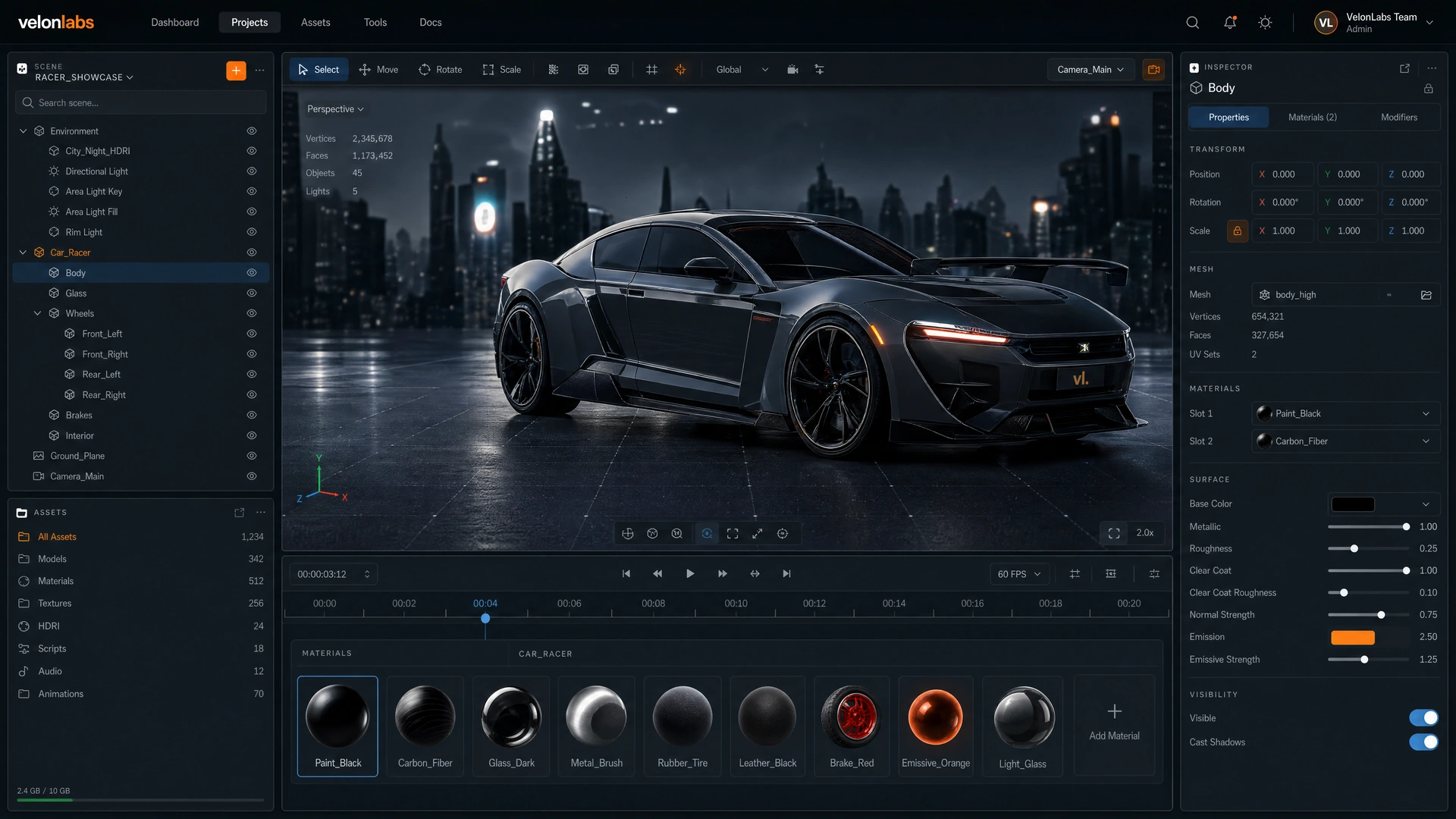
Work on assets in your browser

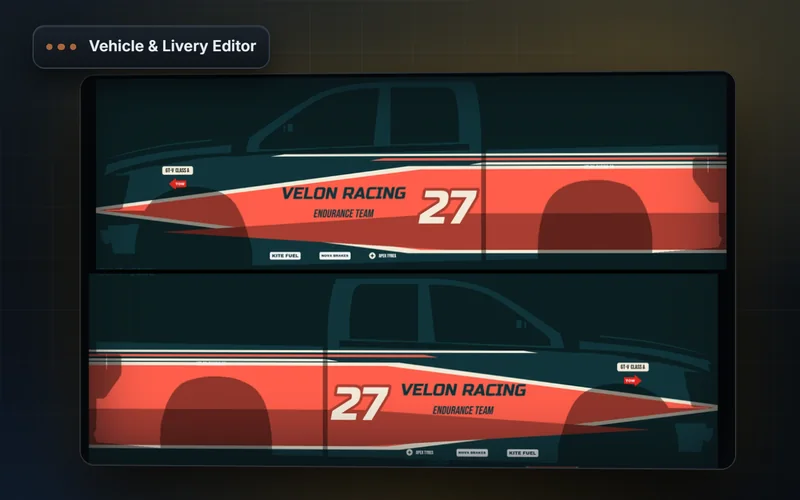
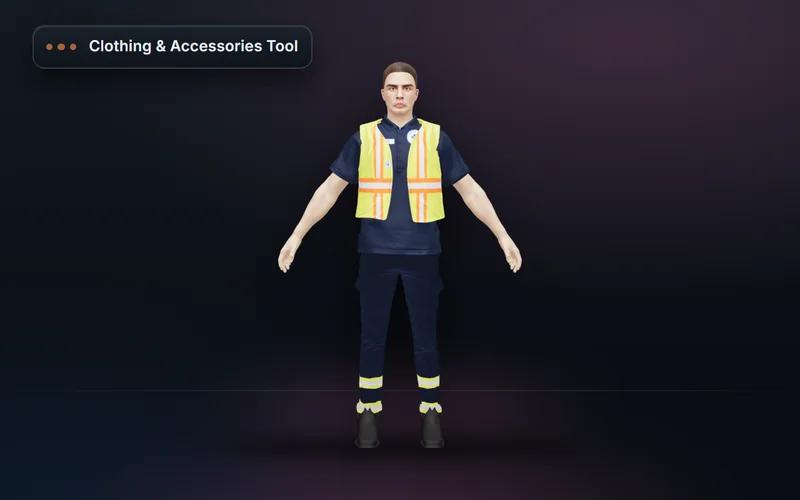
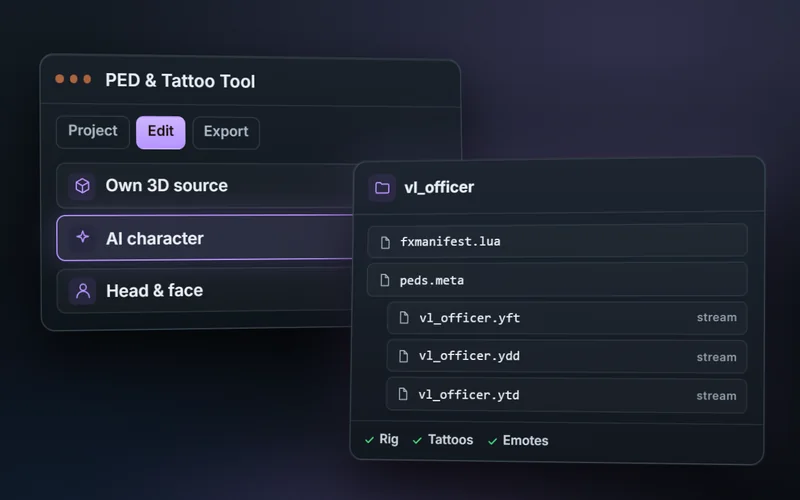
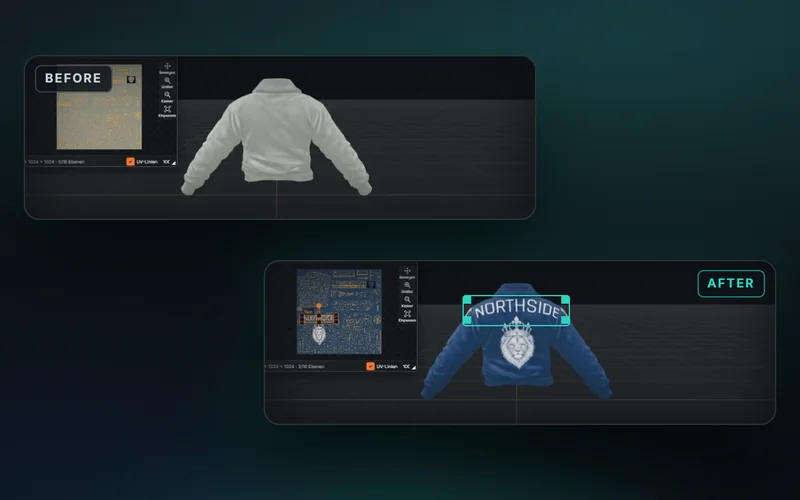
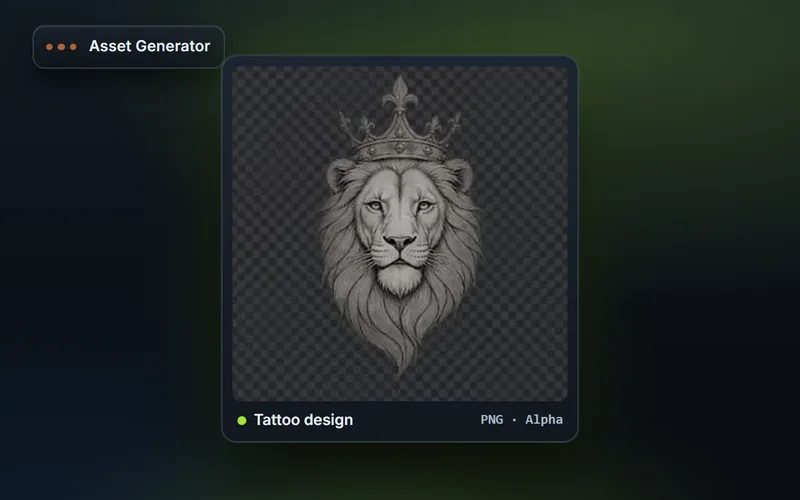
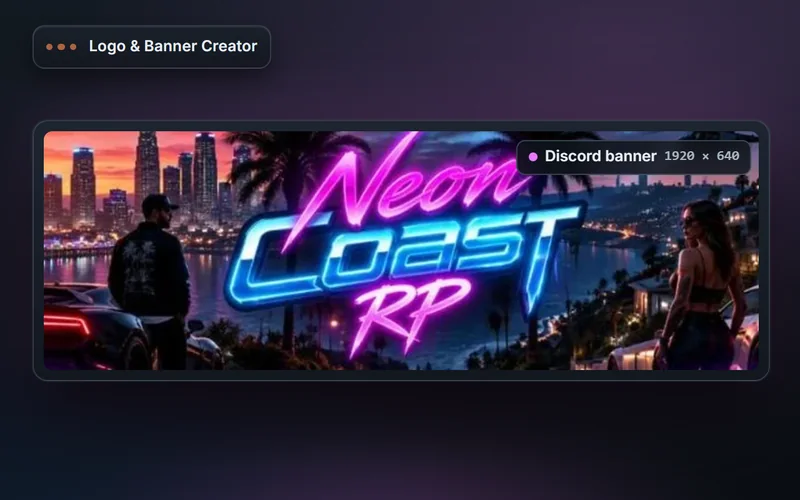
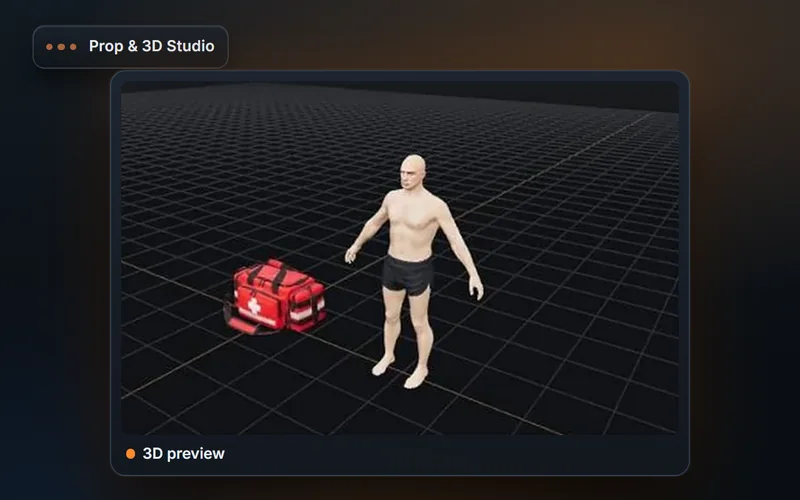
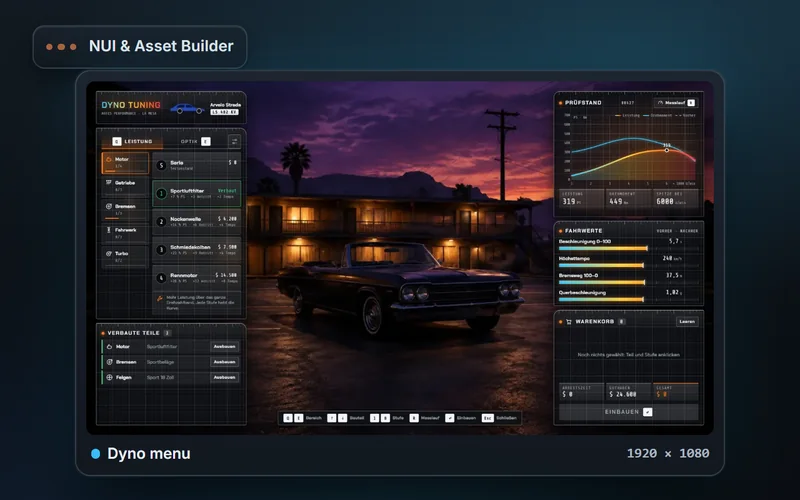
Editors for vehicles, clothing, characters, props and NUI. Bring supported files or start with an idea. Each editor shows its preview, input formats and export options.

A good fit when …

You want to create a visual asset or edit an existing model and its settings.

VelonLabs.app overview ↗

VelonLabs.store

Discover resources for your server

For scripts and assets already offered in the store. Compare the product description with your framework, dependencies and intended use. Features, licensing and deliverables depend on the individual product.

A good fit when …

You are looking for an existing resource and want to check compatibility before using it.

VelonLabs.store overview ↗

VELONLABS.APP

Inside the tools.

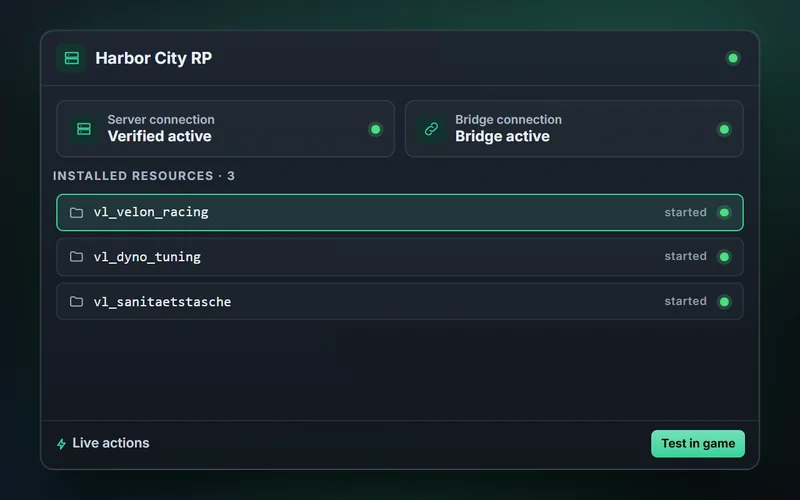
Every tool with its interface, a sample prompt and the result, plus guides to get started.

Workflows for code, assets and servers →

VEHICLE & LIVERY EDITOR / EXAMPLE TEMPLATES

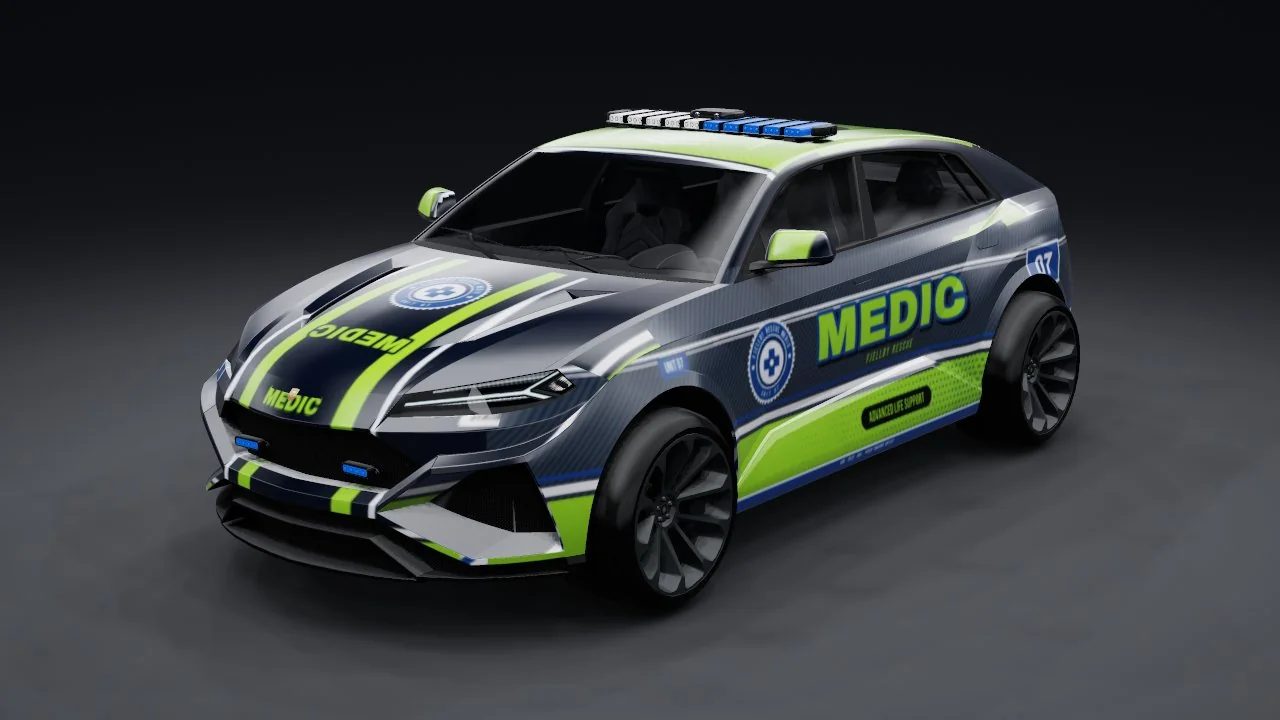
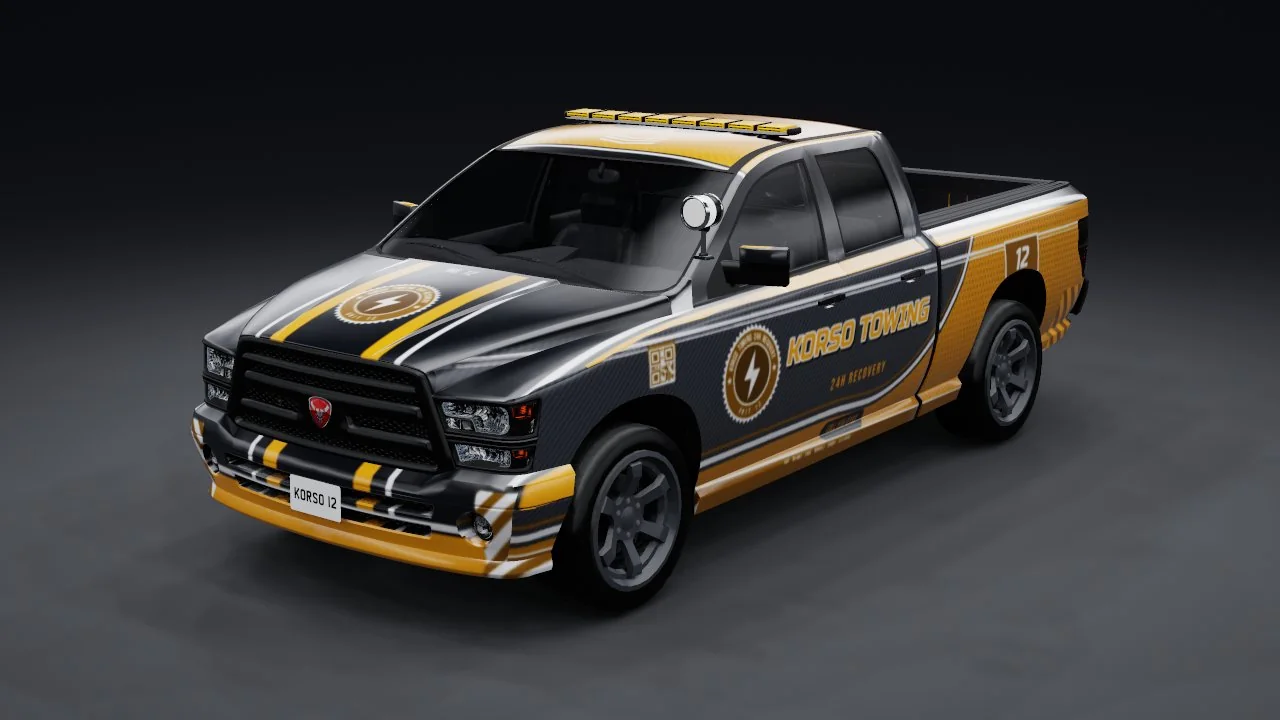
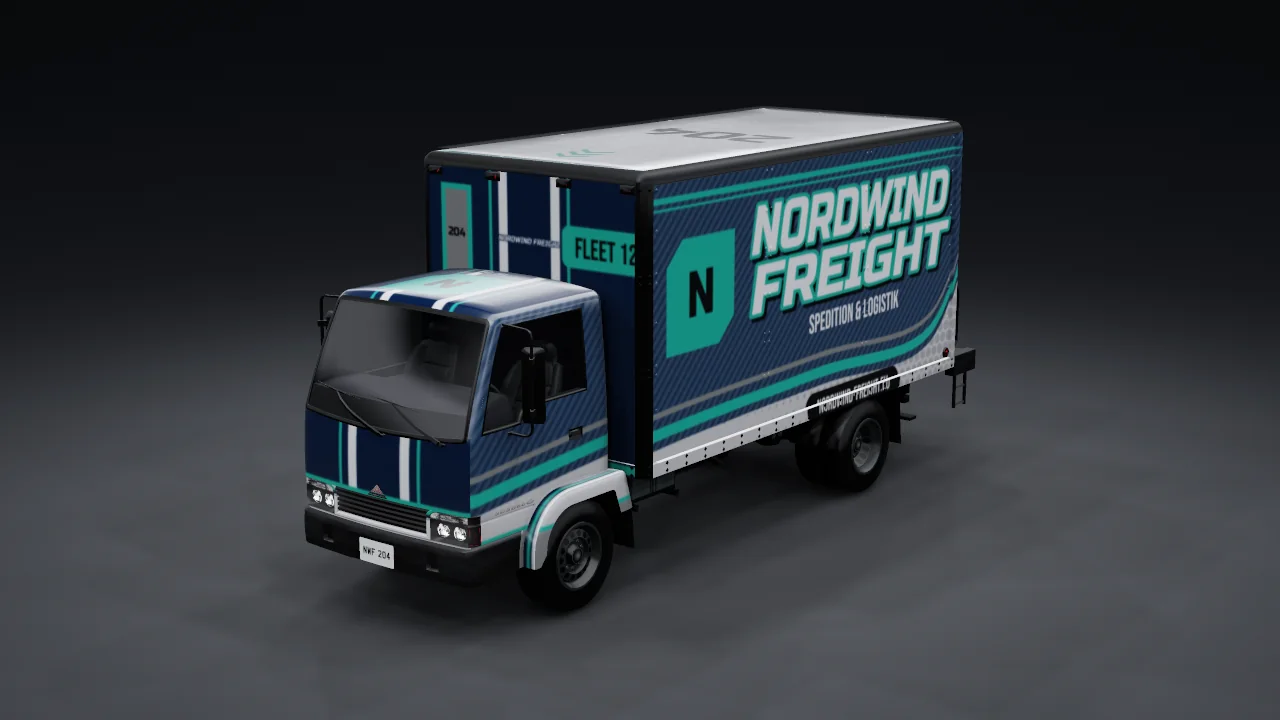
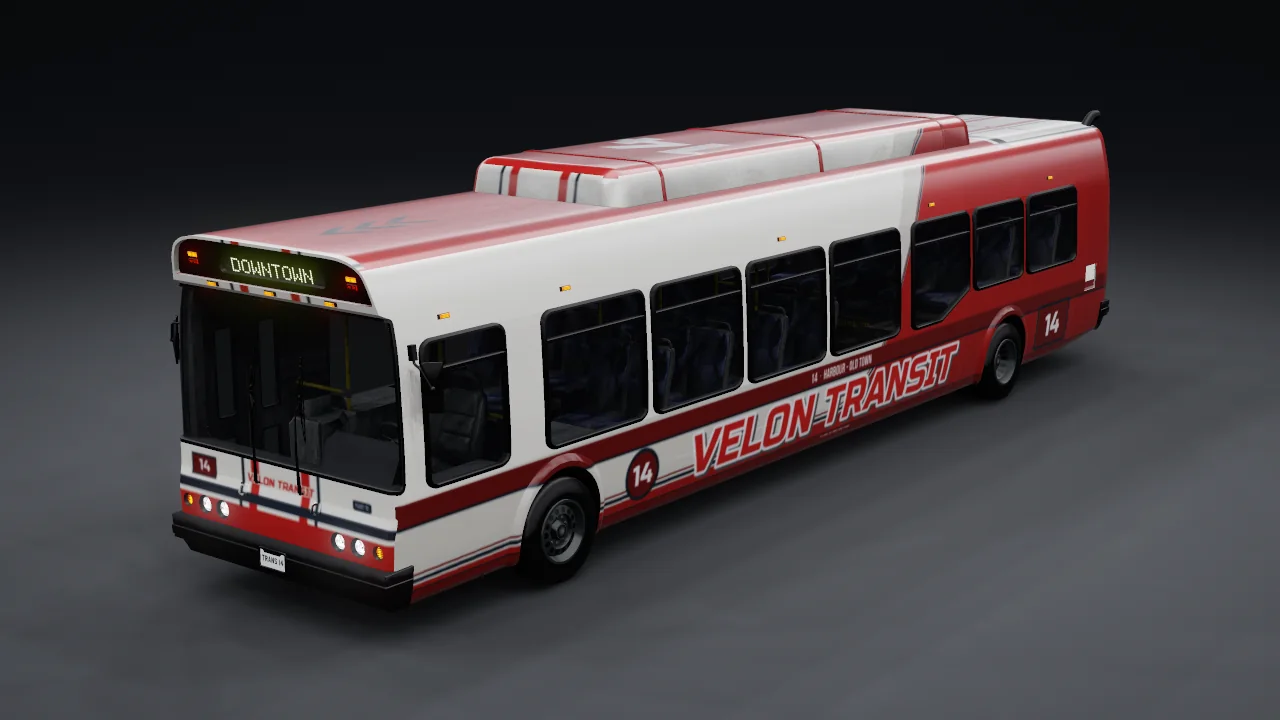
Seven templates, straight from the editor.

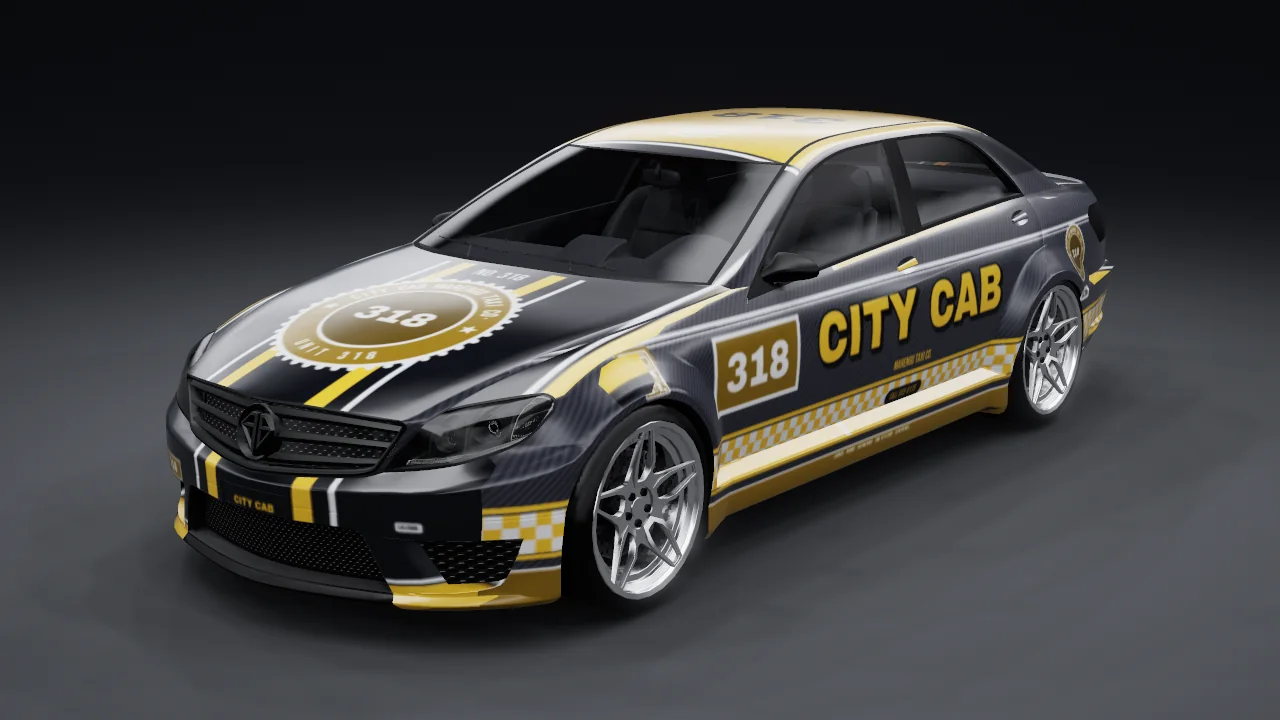
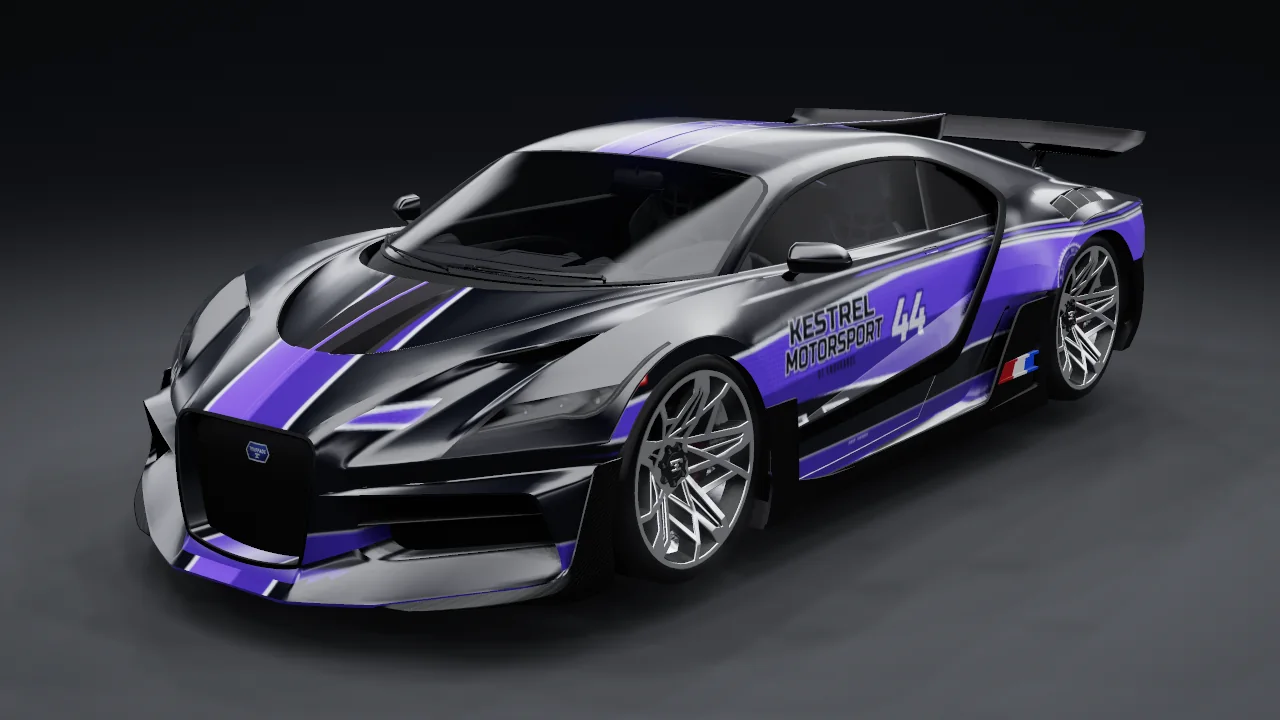
Real example templates from the Vehicle & Livery Editor. You design the livery, lettering and colours yourself, with your server name.

Read the guide (Vehicle & Livery Editor) ↗
  • Sheriff: police example template from the Vehicle & Livery Editor
    SheriffPolice
  • City Cab: taxi example template from the Vehicle & Livery Editor
    City CabTaxi
  • Kestrel Motorsport: race team example template from the Vehicle & Livery Editor
    Kestrel MotorsportRace team
  • Fjellby Rescue 07: paramedic example template from the Vehicle & Livery Editor
    Fjellby Rescue 07Paramedic
  • Korso Towing: towing service example template from the Vehicle & Livery Editor
    Korso TowingTowing service
  • Nordwind Freight: freight company example template from the Vehicle & Livery Editor
    Nordwind FreightFreight company
  • Velon Transit: city line example template from the Vehicle & Livery Editor
    Velon TransitCity line

FROM IDEA TO SERVER

One project.
Clear next steps.

The platforms complement each other. A new vehicle may call for an asset tool, while integrating it with a garage is a coding task.

01

Define the task

Are you working on code, an asset or server operations? Record your framework, file formats and intended result.

02

Choose your tool

Use .dev for AI-assisted development, .app for visual tools and the store for existing products.

03

Review the result

Check files, settings and dependencies. Test changes separately before they reach your public server.

04

Bring in support

If you need implementation help or a technical review, discuss a development project or audit with VelonLabs.io.

GOOD TO KNOW

Before you start.

Does every platform include every feature?+

No. Each platform has its own tools. Check availability, plans, credits and supported formats on its product page and in the tool before processing.

What is VelonLabs.io for?+

This site provides the overview, guides and contact for development services. Visit .dev for AI development, .app for asset tools and the store for existing resources.

Where should I start with a script idea?+

The coding assistant overview explains how to describe a task and review its results. Development takes place on VelonLabs.dev. Read the coding assistant overview →

LET’S BUILD WHAT’S NEXT

Need a plan for your project?

Tell us about your current setup, goals and open questions.

Discuss your project →